






You’ve clicked a link on your WordPress site, or worse someone followed a link from Google, and you land on a dreaded “404 Page Not Found” error. Frustrating for your visitor — and disastrous for your conversions, SEO, and brand...
If you’re reading this, chances are your sitemap (the XML map of your website) isn’t behaving the way it should. You might see a 404 error, a blank page, or maybe the sitemap isn’t showing all your posts/pages — and...

Images make the web beautiful — but they can also slow your site down, hurt your SEO, and reduce conversions if not handled properly. If you’re running a WordPress site, you likely know that excessive image size, non-optimized formats, and...
If you’re running a WordPress site in 2025 and you’re serious about performance, conversions, SEO and overall quality, then you’ve landed in the right place. While many blogs share 5 or 10 tips, this post gives you 25 actionable WordPress...
If you’re using WordPress to power your site, you already have a strong foundation for SEO — but that doesn’t mean your on-page SEO is perfect. Many WordPress users still make avoidable mistakes that hold back traffic, engagement and conversions....

In the world of e-commerce, one of the biggest drains on revenue is the abandoned cart. Shoppers add items to their cart and—poof—disappear. But with the right strategy and tools in place, you can bring those visitors back, convert them,...
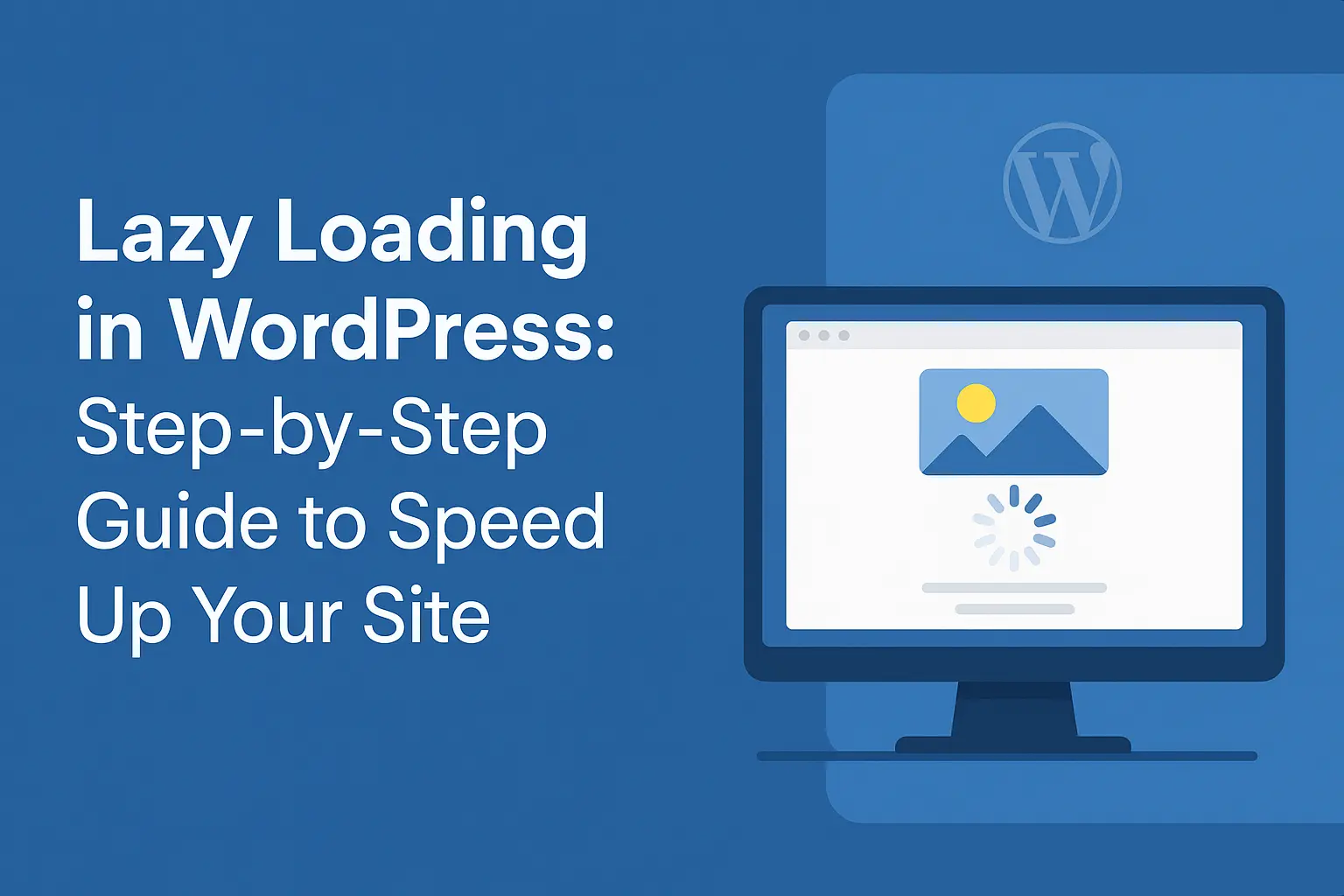
Website speed is no longer just a luxury—it’s a necessity. Slow websites frustrate visitors, lower SEO rankings, and reduce conversion rates. If you’re running a WordPress site, one of the most effective ways to improve speed is lazy loading. In...
If you’re running a WordPress site—whether a blog, business site or eCommerce store—you’ll eventually hit a point where speed and responsiveness matter. One often-overlooked area is the database. Over time the database can become bloated, inefficient and slow, which drags...
Keeping a WordPress website healthy is not a “set-it-and-forget-it” task. Just like maintaining a car or a house, a WordPress site requires consistent upkeep. If you’re serious about performance, security, SEO and conversion optimisation, you need a robust maintenance process...
If you’ve published content in WordPress and noticed that your rankings are decent but your clicks from the search engine are low, you’ve likely hit the common problem: improving CTR (click-through rate) from the SERPs.In this post we’ll cover why...

