






A 500 Internal Server Error in WordPress is one of the most frustrating issues you can face. You try to open your site — but instead of your homepage, you get a blank screen or a message like this: “500...
If you’ve ever tried installing a WordPress theme and saw the dreaded “Theme stylesheet is missing” error, don’t panic — you’re not alone. This is one of the most common issues beginners face when uploading a theme, and the good...
If you’ve ever updated your WordPress theme, installed a plugin, or tried to make custom changes only to see your website suddenly break — you’re not alone.A broken WordPress theme is one of the most common issues site owners face....
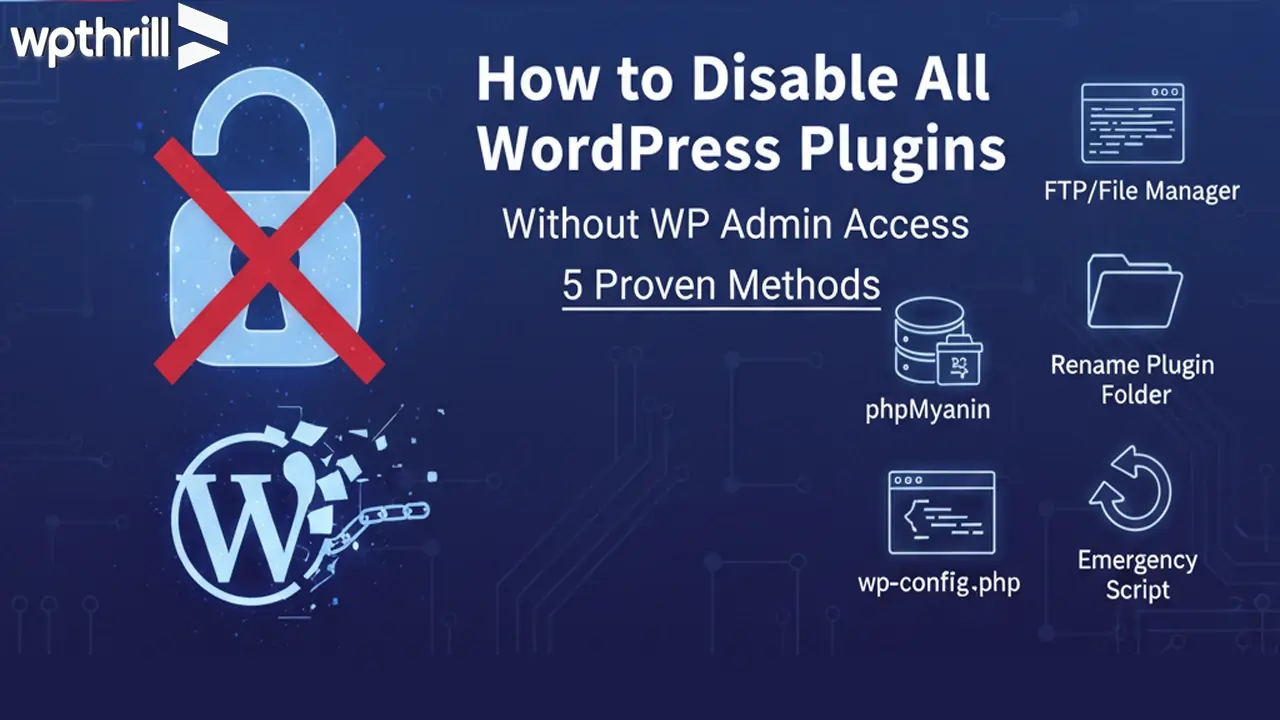
Running a WordPress site is fun until something breaks. One of the most common issues is a plugin conflict—your site suddenly goes down, the dashboard becomes inaccessible, or you’re stuck with the dreaded “white screen of death.” If your site is...
When your WordPress website goes down, every second counts. A broken site means lost visitors, lost sales, and lost credibility. Whether you’re facing a white screen of death, plugin conflict, hacked website, or critical error, you need help right away....
The infamous White Screen of Death (WSOD) in WordPress is one of the most frustrating errors a website owner can face. Instead of your website loading normally, you or your visitors are greeted with a completely blank white screen. No...
If you’ve ever tried to open your WordPress site and got hit with a message like “ERR_TOO_MANY_REDIRECTS” or “This page isn’t redirecting properly”, you’re not alone. It’s one of the more frustrating errors because it often locks you out of...
Originally published on September 23, 2025 | Last updated on December 13, 2025 Table of Contents What is the WordPress Login Redirect Loop? Common Symptoms of the Login Loop Top Causes of the WordPress Login Redirect Loop How to Fix...
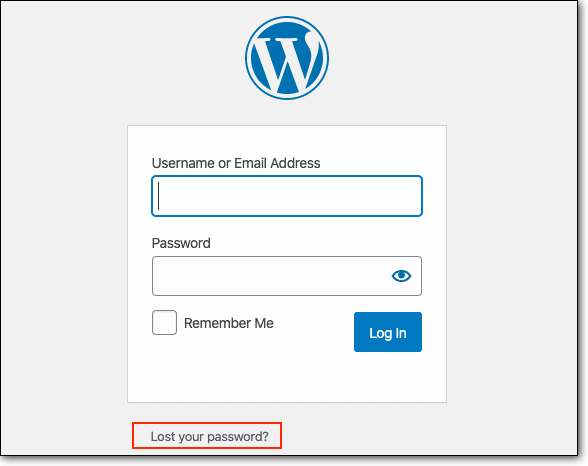
Table of Contents Why You Might Get Locked Out of WordPress Common Scenarios That Lock You Out Before You Begin: Backup Your Site Method 1: Recover WordPress Admin via phpMyAdmin (cPanel) Method 2: Create a New Admin Account via FTP...
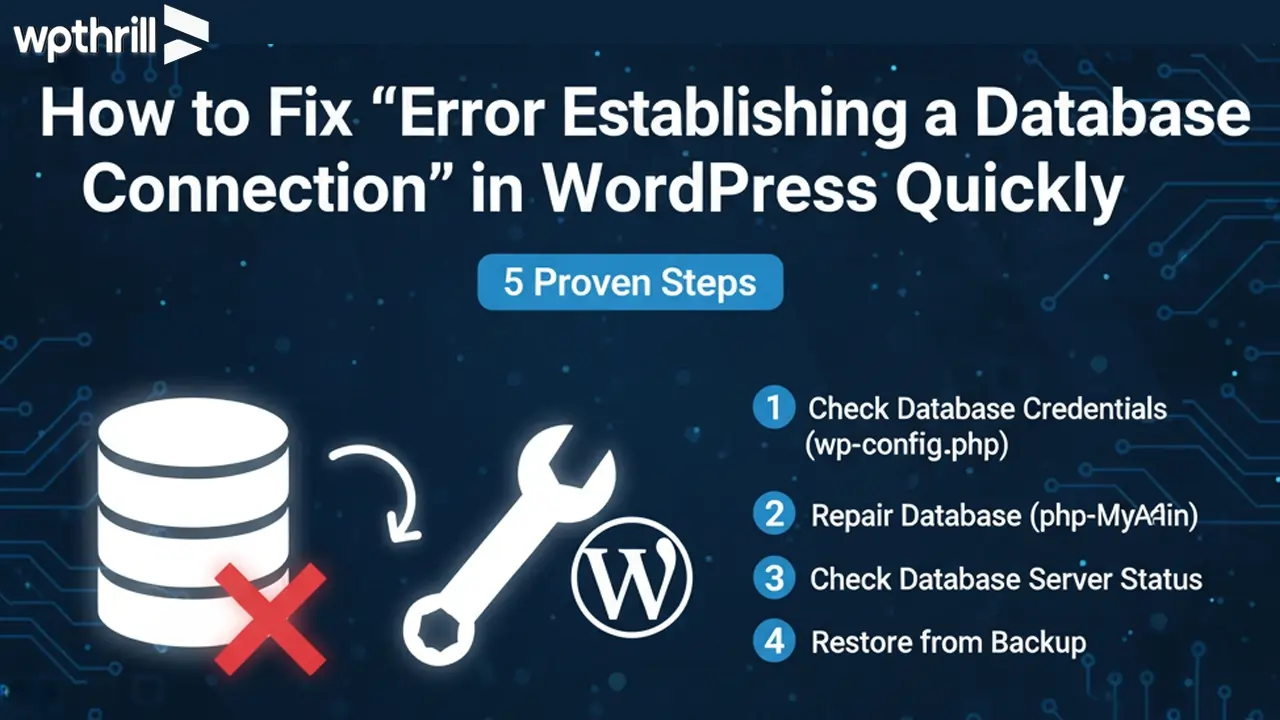
Last Updated: February 6, 2026 Few WordPress errors are as alarming as “Error Establishing a Database Connection.”This message means your site can’t communicate with its database, and until it’s fixed, your entire website is down. In this guide, we’ll walk...

